LLM Chatbot Evaluations
August 28, 2026

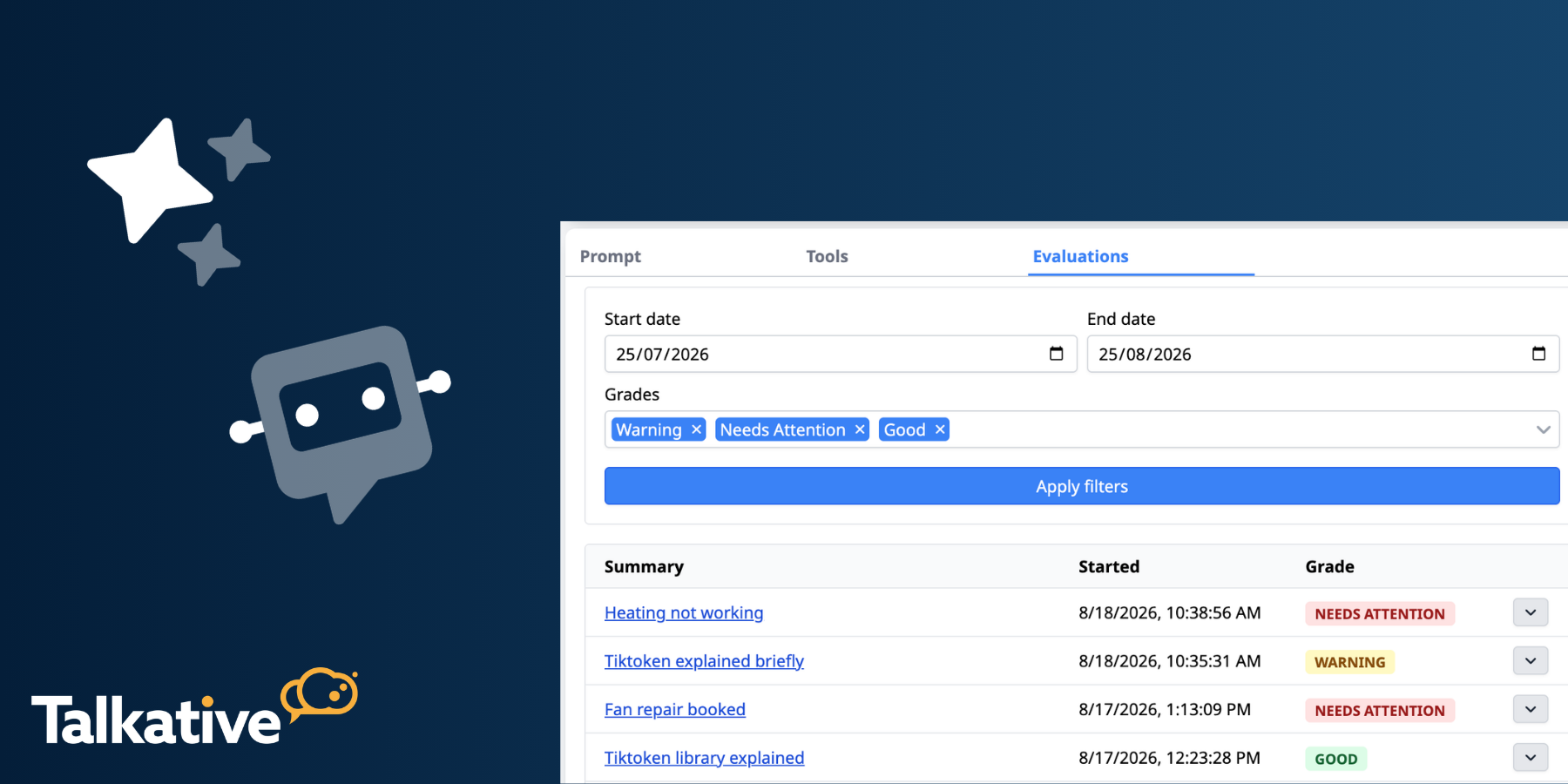
We’ve released LLM Chatbot Evaluations, a new feature that automatically assesses your chatbot interactions and highlights potential issues.
Evaluations make it easier to flag when your chatbot isn’t performing as expected and identify where improvements are needed.
You’ll find the feature under the new Evaluations tab within your LLM chatbot.
When your chatbot is handling large volumes of conversations, manually reviewing every interaction isn’t practical.
LLM Chatbot Evaluations help make this process more manageable by automatically grading interactions as they happen.
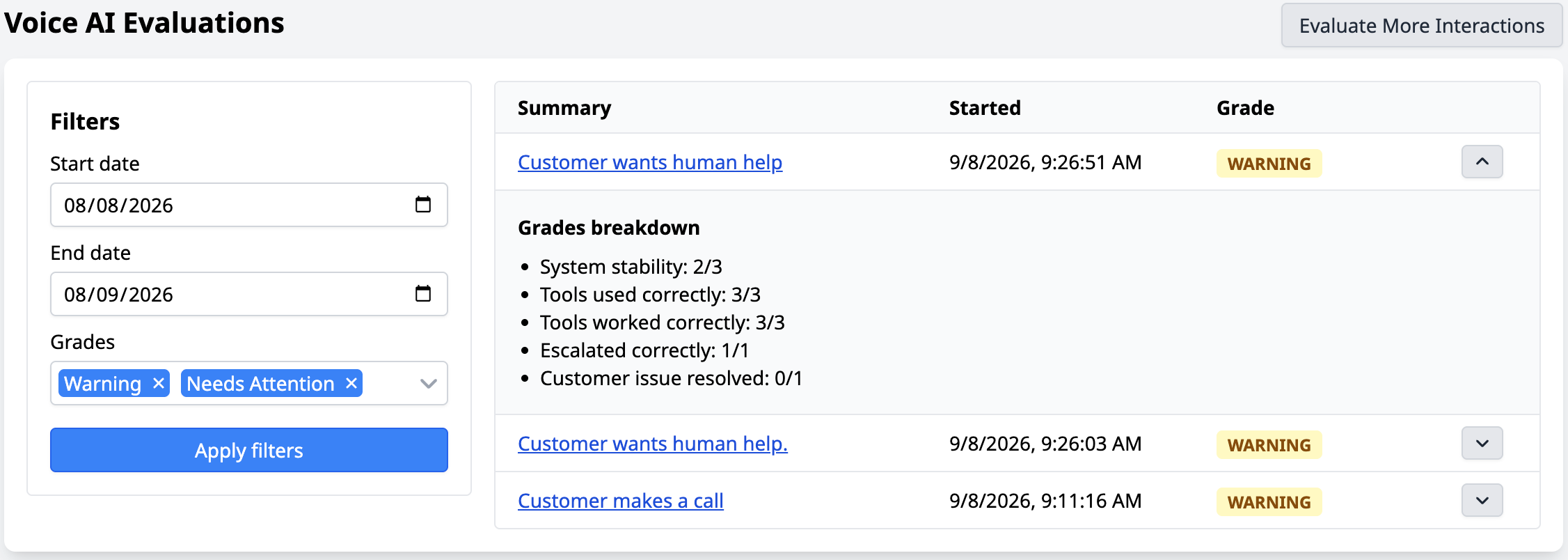
Each evaluated conversation is assigned one of the following grades:
This makes it easy to distinguish between interactions that performed well and those that may need further investigation.
It also allows you to quickly identify potentially problematic interactions without having to search through your chatbot’s entire conversation history.
By regularly reviewing these results, you can identify patterns, investigate issues, and make informed improvements to your chatbot over time.
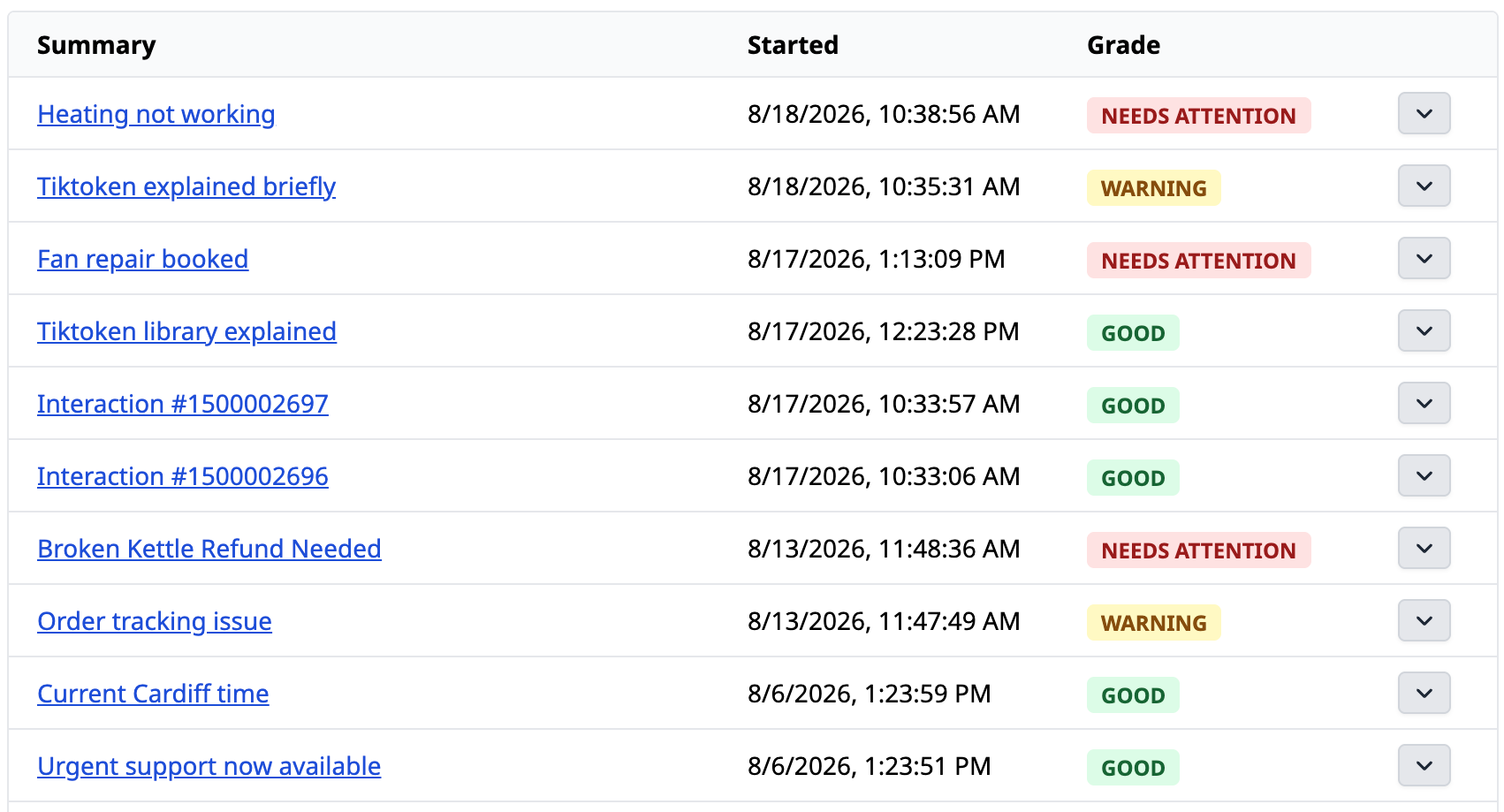
To view your results, open your LLM chatbot and select the new Evaluations tab.
From here, you’ll see a list of evaluated interactions, along with their start time and overall grade.
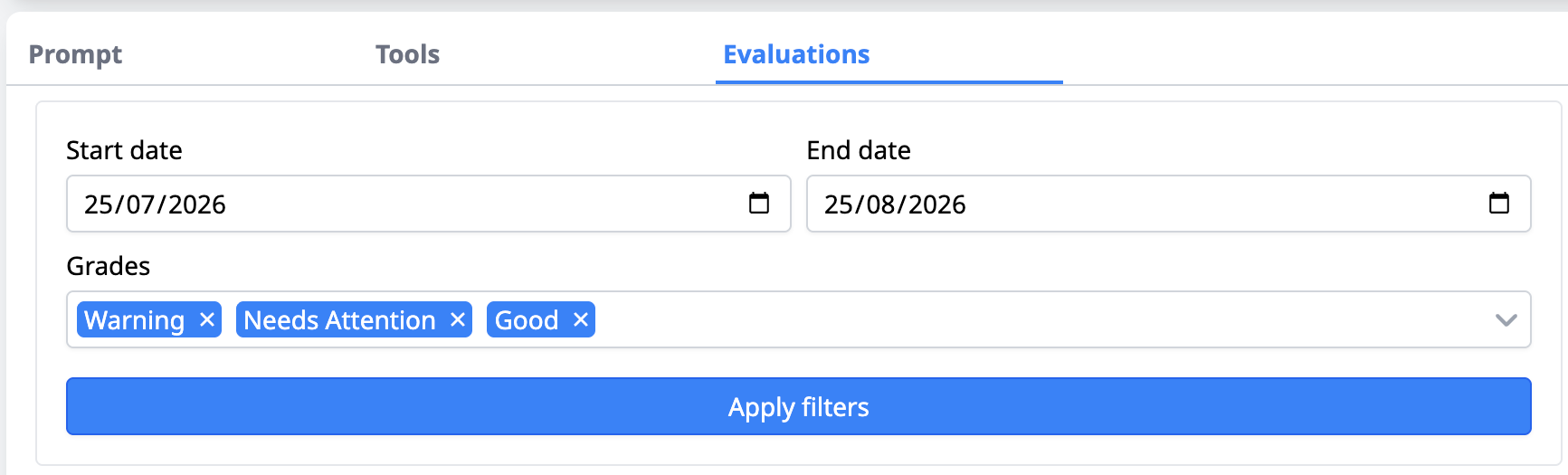
You can filter the results by:
This lets you narrow the list to interactions marked Warning or Needs Attention, so you can focus on conversations that need your attention.
You can then open individual evaluations to investigate the interaction in more detail and decide whether further action is needed.
By default, 100% of new chatbot interactions will be evaluated, up to an allowance of 100 evaluations per month.
Your first 100 evaluations each month are included at no additional cost.
Once the monthly allowance has been reached, new interactions will no longer be automatically evaluated until your allowance resets.
If you’re handling a higher volume of chatbot interactions and want to increase your evaluation allowance, please speak to your Customer Success Manager.
The percentage of interactions being evaluated can also be adjusted, giving you more control over how evaluations are used as your chatbot usage scales.
LLM Chatbot Evaluations are available now within the Evaluations tab of your LLM chatbot.
You’ll receive 100 free evaluations per month, with new interactions evaluated automatically by default until that allowance is reached.
If you need help getting started or want to increase your evaluation allowance, please contact your Customer Success Manager.
And for more information on our latest product updates, check out our release notes.
Are you new to Talkative and interested in AI customer service?
Book a demo with us today, or get in touch with our team to learn more.


