Voice AI Pronunciation Dictionaries
May 21, 2026

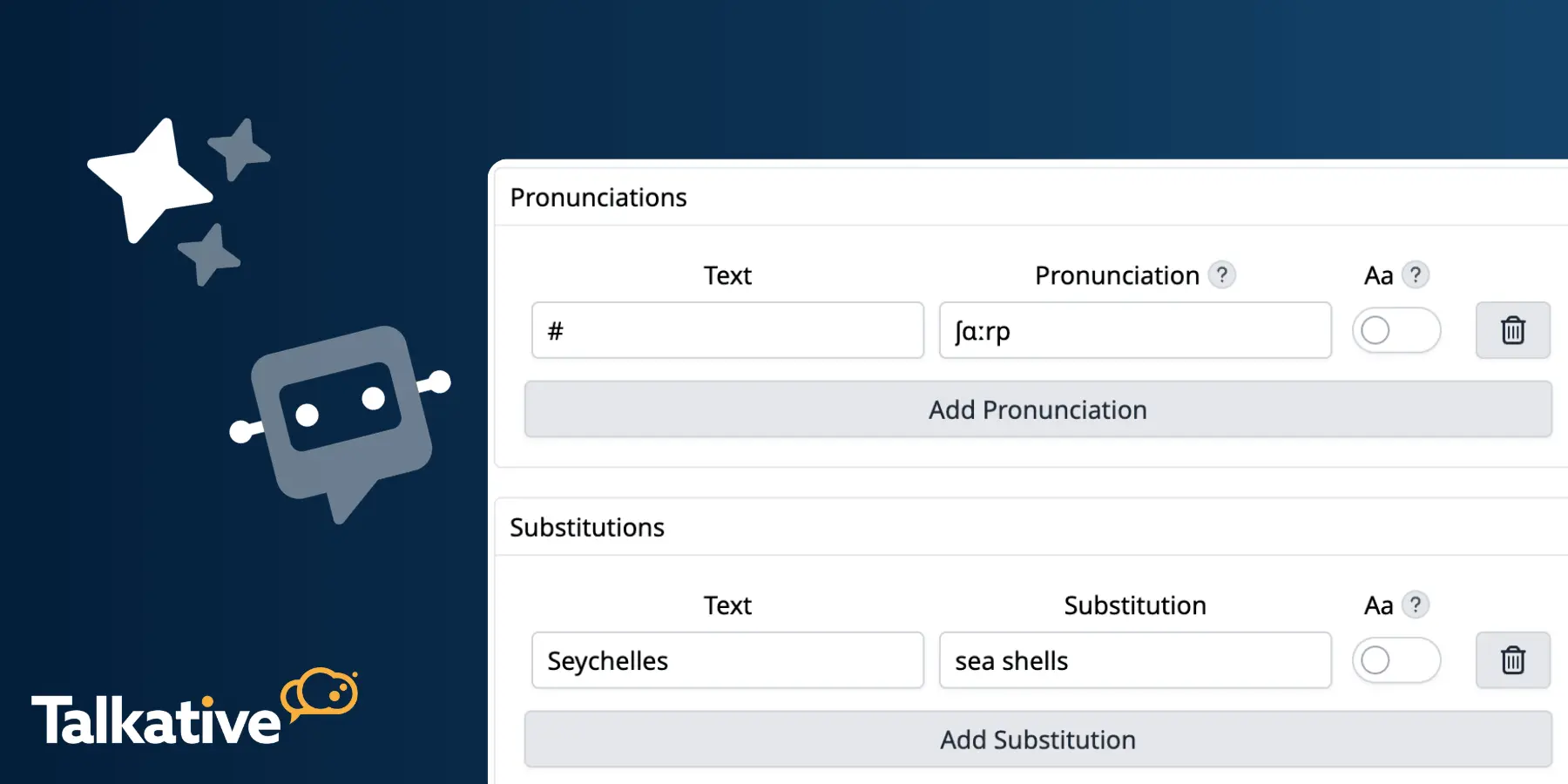
We’ve released Voice AI Pronunciation Dictionaries, a new feature that lets you configure how your Voice AI pronounces specific words and phrases.
This gives teams more control over the spoken AI customer experience.
It’s especially useful when dealing with brand or product names, locations, industry terms, acronyms, or any words/phrases that need to be said in a particular way.
With Pronunciation Dictionaries, you can now define custom pronunciations or substitutions, then apply that dictionary to your voice AI agent.
Voice AI is most effective when it sounds clear, natural, and aligned with your brand.
But some words can be difficult for text-to-speech systems to pronounce correctly, especially if they’re uncommon, brand-specific, regional, or written differently than how they should be spoken.
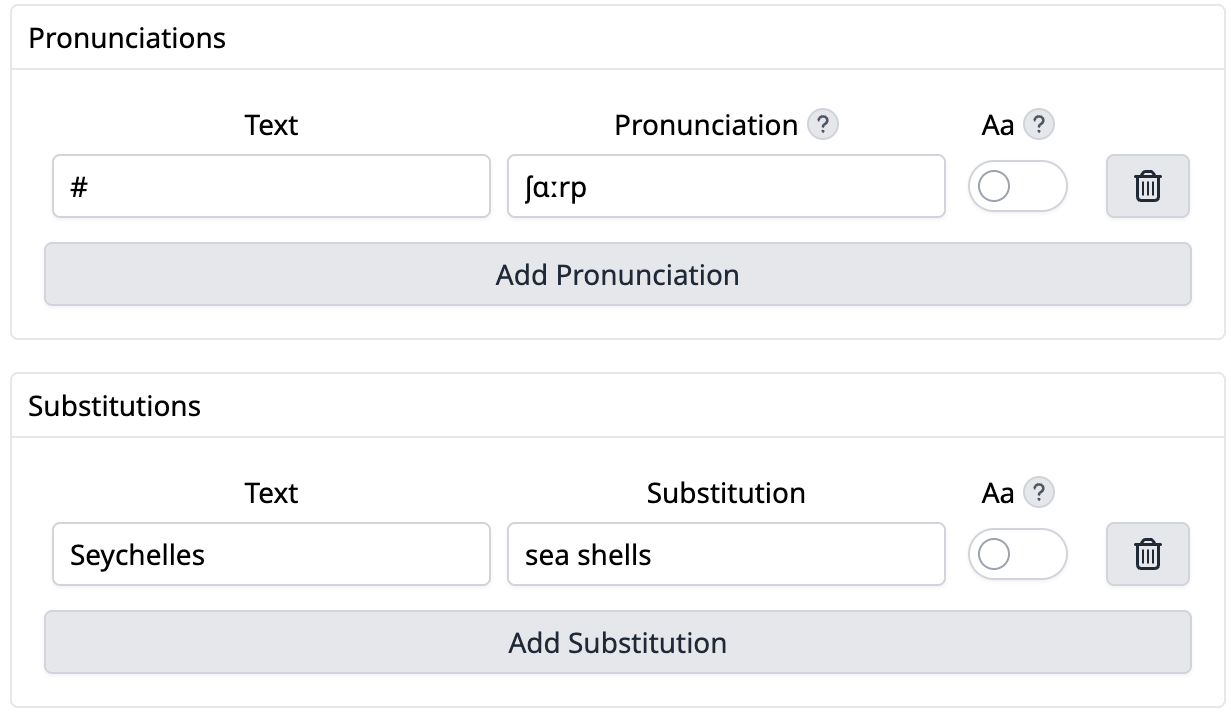
Pronunciation Dictionaries help solve this by giving you two ways to control how voice AI says specific words/phrases:
For example, if a place name, product name, or internal term is regularly mispronounced, you can configure how Voice AI should handle it.
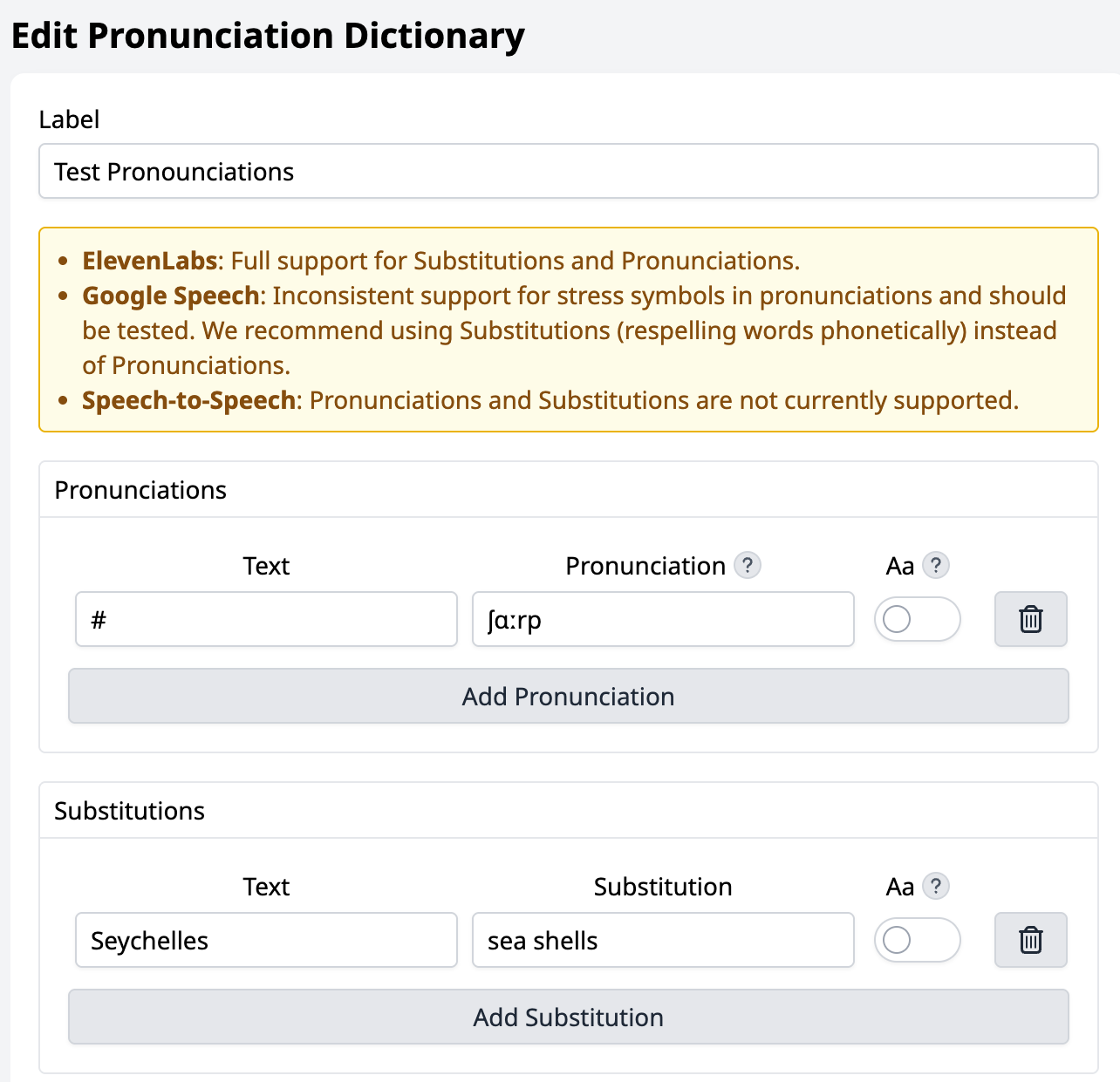
If you’re using Google Text-to-Speech, we recommend using substitutions rather than pronunciations, as pronunciation support can be inconsistent and should be tested.
.png)
To configure Voice AI pronunciations, go to the Pronunciation Dictionaries page and create a dictionary.
From there, you can add pronunciation rules and substitutions for the words or phrases you want to control.
Once your dictionary is set up, you can point your voice AI agent to the relevant Pronunciation Dictionary in your Text-to-Speech settings.
This makes it easier to maintain a consistent spoken experience across Voice AI interactions, without needing to rewrite your wider configuration.
Note: Voice AI Pronunciations is designed for Speech-to-Text-to-Speech configurations. It doesn’t currently work for Speech-to-Speech mode.
Voice AI Pronunciations is now available for all Talkative customers using compatible Voice AI configurations (i.e. Speech-to-Text-to-Speech).
If you’d like more help getting started with this feature, please reach out to your Customer Success Manager.
And for more information on our latest features, check out our release notes.
Are you new to Talkative and interested in Voice AI?
Book a demo with us today, or get in touch with our team to learn more.


