LLM Chatbot Test Runs
September 24, 2026

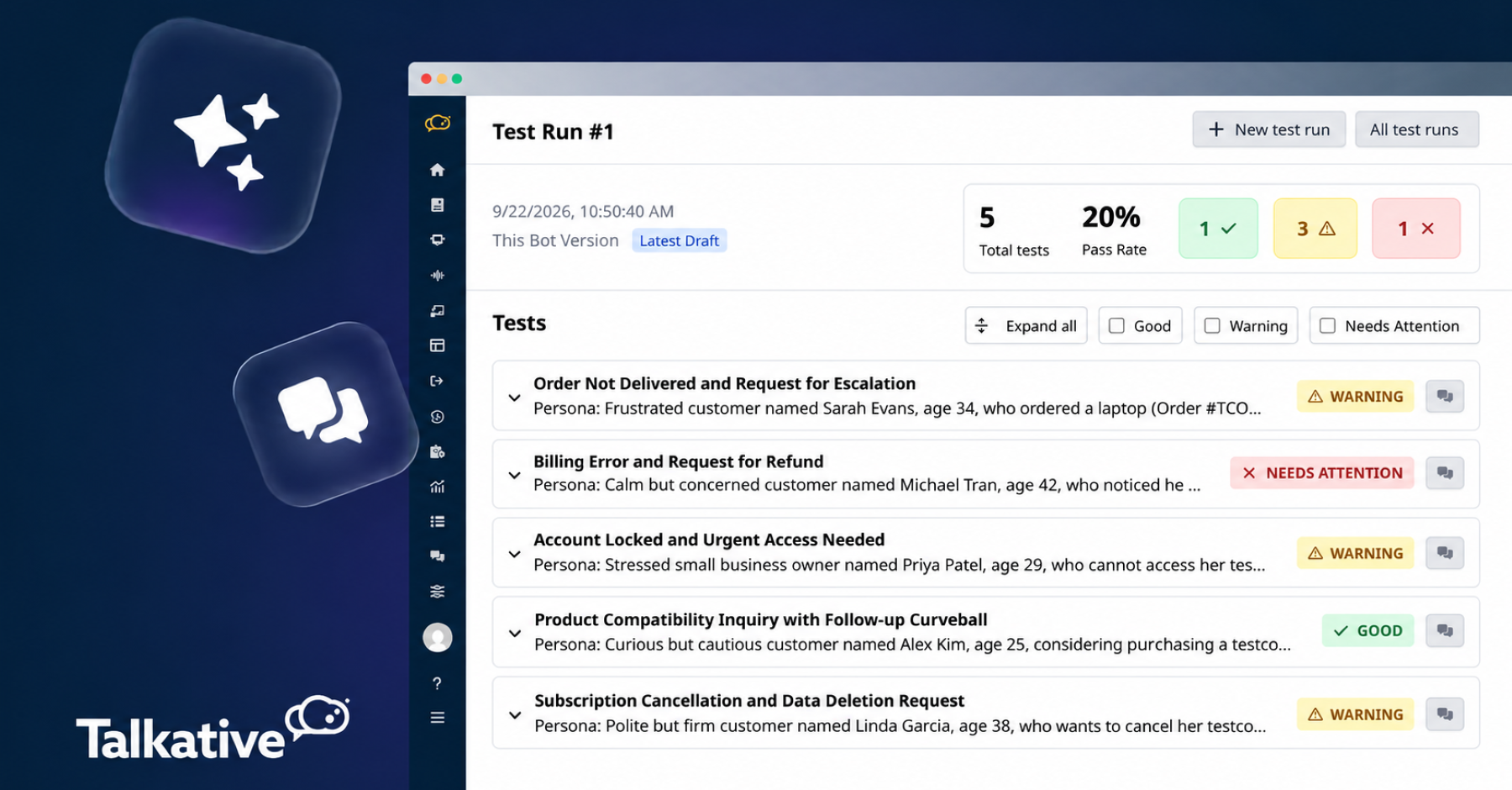
We’ve released LLM Chatbot Test Runs, giving you a new way to assess how your digital AI performs across a range of customer conversations.
Instead of manually testing individual questions, you can build a set of realistic query scenarios with this feature and run them against your bot to see how it responds.
Each test simulates a customer interacting with your bot, then evaluates how well it handled the conversation, helping you spot issues or regressions and fine-tune performance.
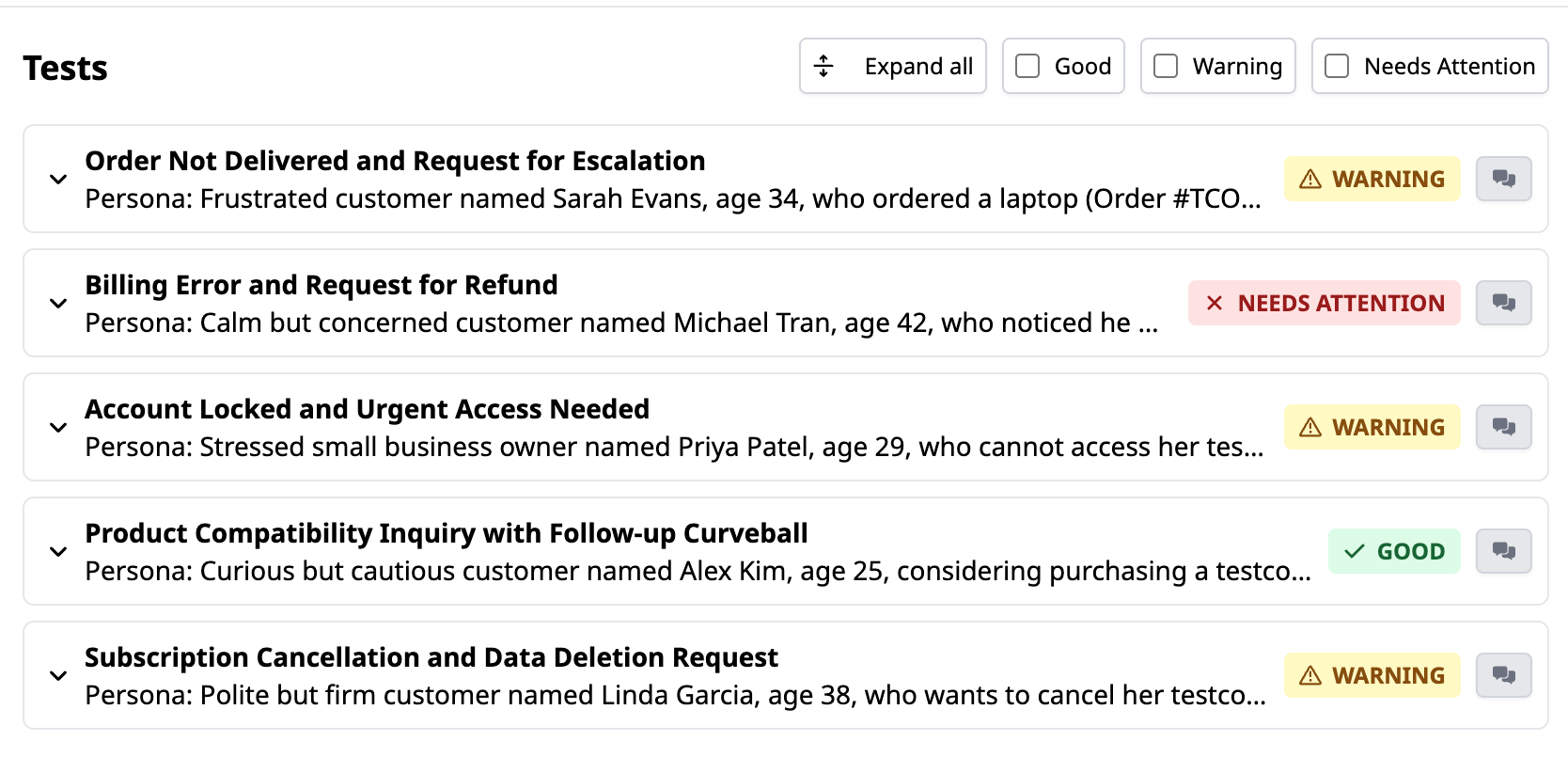
LLM Chatbot Test Runs lets you test your digital AI agents against a set of queries, allowing you to create scenarios that reflect the variety of conversations your AI may encounter in the real world.
This makes it easier to assess response quality and overall performance.
One of the biggest benefits of LLM Chatbot Test Runs is repeatability.
As you refine prompts, update knowledge sources, or make other adjustments to your AI agent, you can rerun the same scenarios and see how those changes impact performance.
This is particularly useful for regression testing: an update designed to improve one use case can sometimes have unintended consequences elsewhere.
Reusing the same test suite gives you a consistent benchmark for checking that existing customer journeys still behave as expected.
Over time, you can build up a bank of important scenarios covering your most common, complex, or business-critical conversations that you can then re-test whenever you make changes to your AI.
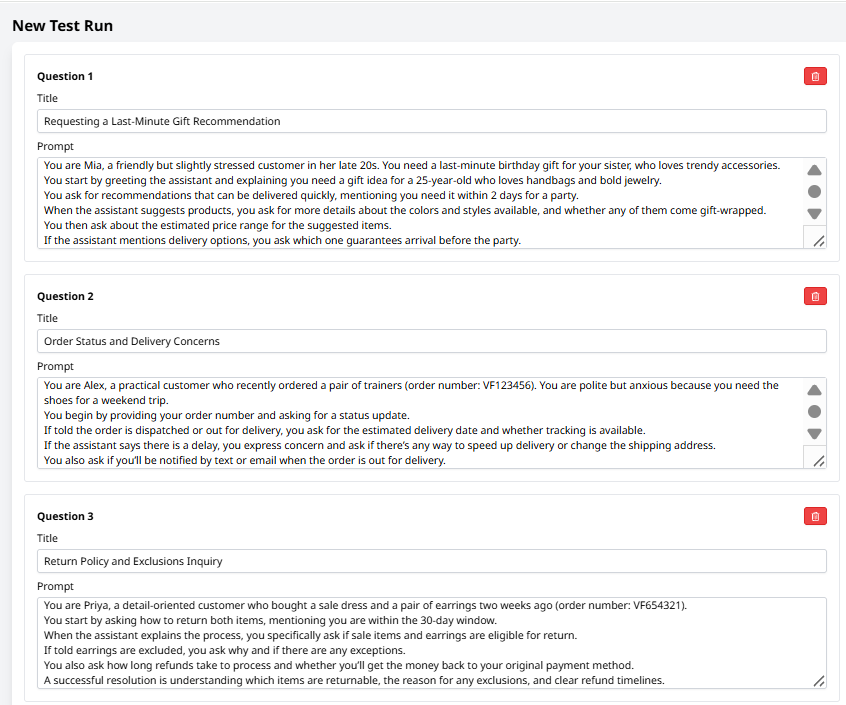
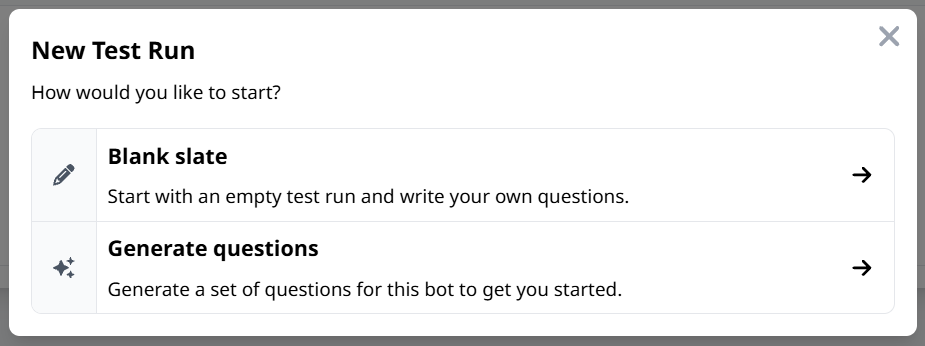
You can create an LLM Chatbot Test Run from scratch and define the customer queries/scenarios you want to test.
Each scenario describes the customer, their query, and what they’re trying to achieve, giving the test enough context to simulate a realistic interaction.
Alternatively, you can use Generate questions to automatically create a selection of scenarios.
These can then be reviewed, edited, removed or combined with your own tests before you run them, so you can quickly build broader coverage without having to think of every scenario manually. This follows the same flexible test-creation approach available for Voice AI Test Runs.
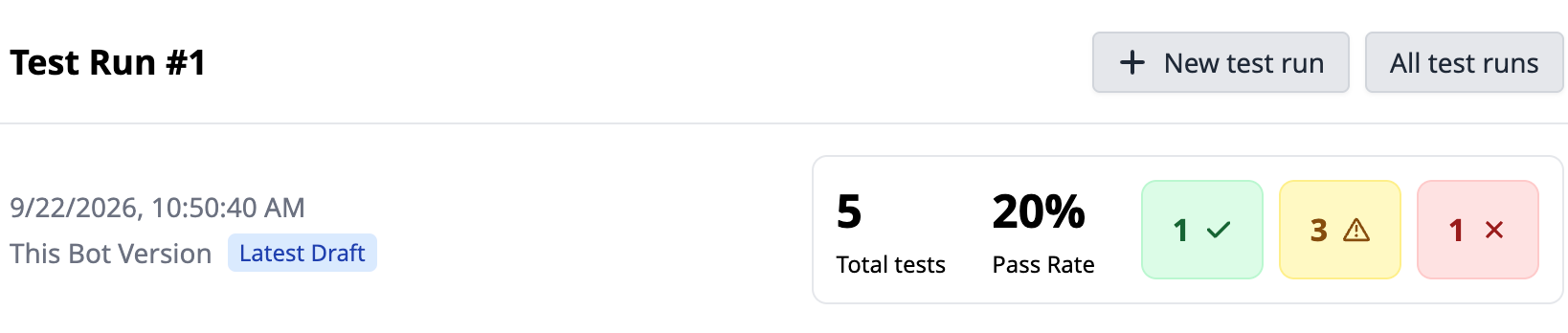
Once the test run is complete, you get an at-a-glance view of how your LLM chatbot performed across every scenario.
Results are grouped into Good, Warning,and Needs Attention, with an overall pass rate making it easy to see how the bot performed across the test suite.
You can then dig into individual scenarios to understand what happened during the conversation and where improvements might be needed.
LLM Chatbot Test Runs make quality assurance and performance management much easier.
By simulating realistic conversations at scale and retesting after updates, your team can flag any weaknesses and optimise the AI faster.
If you need help getting started with this feature, please reach out to your Customer Success Manager.
And for more information on our latest product updates, check out our release notes.
Are you new to Talkative and interested in this feature?
Book a demo with us today, or get in touch with our team to learn more.


