Voice AI After-Hours Starter Plan: How to Automate Calls When Your Agents Clock Off
November 4, 2026
Time:
8
mins

At 5:30pm, most contact centres stop answering the phone. But customer calls don’t stop when your team clocks off.
At a recent contact centre summit, Joe Rittenhouse of Converged Technology Professionals described asking teams a simple question: what do you do after hours?
He told SiliconANGLE the usual answer is a general mailbox, and often, "I don't know."
He also named this as exactly the kind of low-hanging fruit where AI projects should start.
If you're adding Voice AI for the first time, after-hours calls are one of the safest place to prove it works.
Your daytime queues stay untouched. Your agents keep doing what they do. And you get a clear before-and-after number to take to your director.
In this guide, we'll cover:
After-hours calls give you a contained, measurable first use case for Voice AI. You're replacing a mailbox, not a team, so the risk is low and the improvement is easy to see.

Adding voice AI to a contact centre for the first time can feel risky.
You're worried about frustrating customers. You're worried about disrupting a phone operation that, mostly, works. And you'll be the one asked about it if anything goes wrong.
After hours changes that equation.
The comparison isn't AI versus your best agent. It's AI versus a mailbox.
When the current experience is a recorded message, almost any genuinely helpful answer is an improvement.
That makes after hours a fair test for Voice AI. Here's why it works well as a starting point:
Demand outside working hours is often bigger than teams expect, too.
When Glasgow Life added a Talkative AI Agent to its web chat, 53% of AI conversations took place outside standard weekday service hours, including 20% at weekends.
That's a digital channel, not phone, and your call patterns will differ. But it shows how much customer demand can sit outside the hours most teams are staffed for.
Follow the six-step framework below to help you plan, launch, and measure your first after-hours Voice AI deployment.
Many teams don't have a clear picture of their out-of-hours customer calls, or what happens to them.
The mailbox fills up overnight, someone works through it in the morning, and the rest is guesswork.
Before you start exploring call centre voice AI, find answers to these questions:
Your telephony reporting should cover call volumes and abandonment. For call reasons, listen to a sample of voicemails and next-morning callbacks.
Every one of these numbers becomes part of your baseline, so assess them before you change anything.
Two to four weeks of data is usually enough to spot patterns. Look for the call reasons that come up again and again, and the times when volumes spike.
This also shows which hours Voice AI needs to cover. Weekday evenings, weekends, and bank holidays may each look different.
An audit of your current after-hours situation gives you a baseline and data you can plan around.
Don't try to cover everything from day one.
Instead, focus on a handful of common, predictable, and low-risk use cases that Voice AI can handle effectively.
Good starting points for after-hours automation include:
Some of these need a connection to your CRM or booking system so the AI can look up or update records in real time. Others only need accurate knowledge content.
A narrow first scope that works well will do more for your business case than a broad one that works sometimes.

Not every after-hours call needs to be fully resolved by AI.
For each call reason, choose one of two outcomes:
Capture alone is a big step up from voicemail. Instead of a rambling message with a half-heard phone number, your team gets structured details they can act on.
You'll also need a plan for urgent calls. Decide which situations should go straight to an on-call number, and make sure the AI recognises them.
Being clear about what the AI should not attempt is as important as defining what it should.
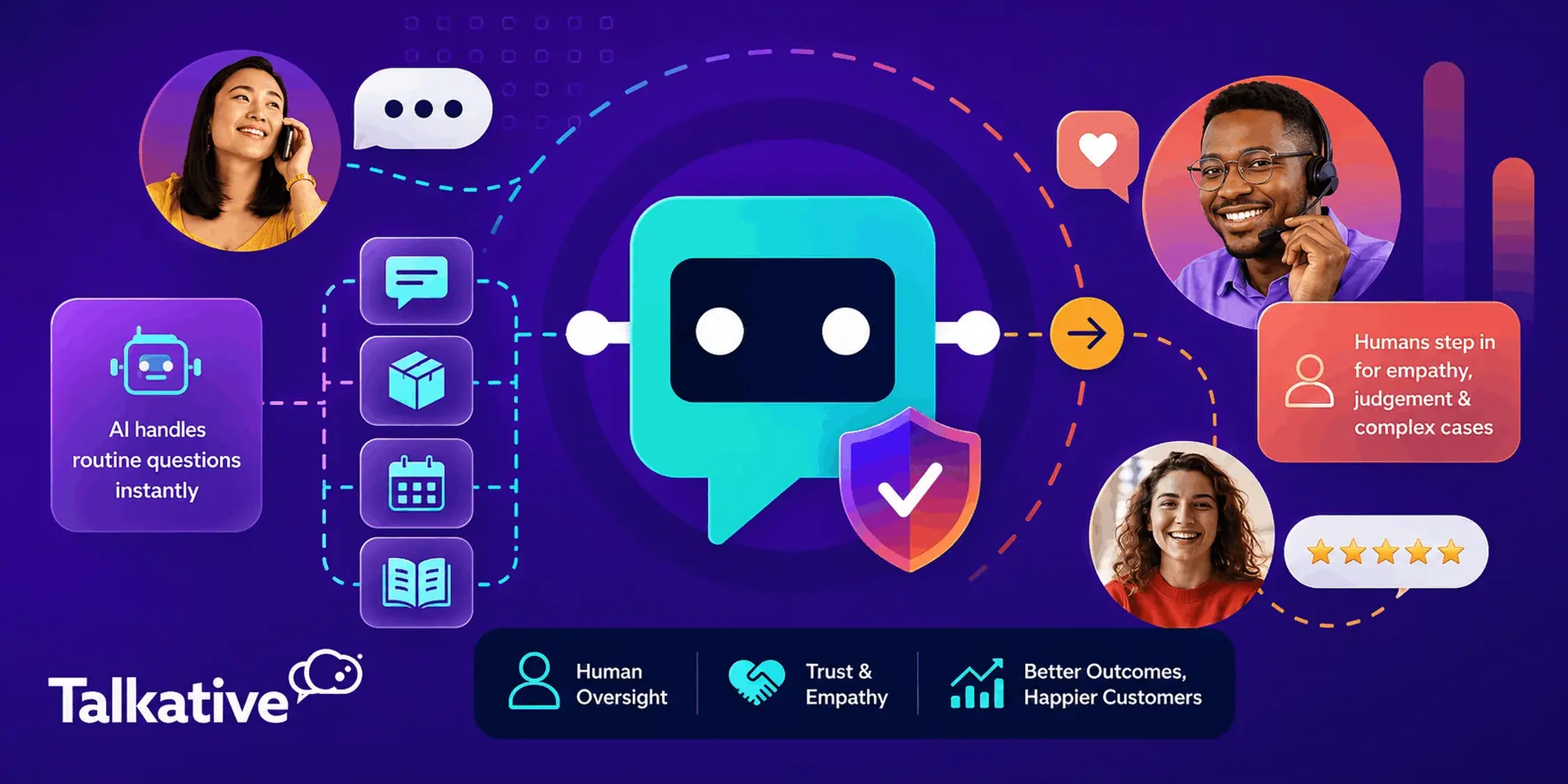
After hours, there's often no agent to transfer to, so the handover becomes the start of tomorrow's work.
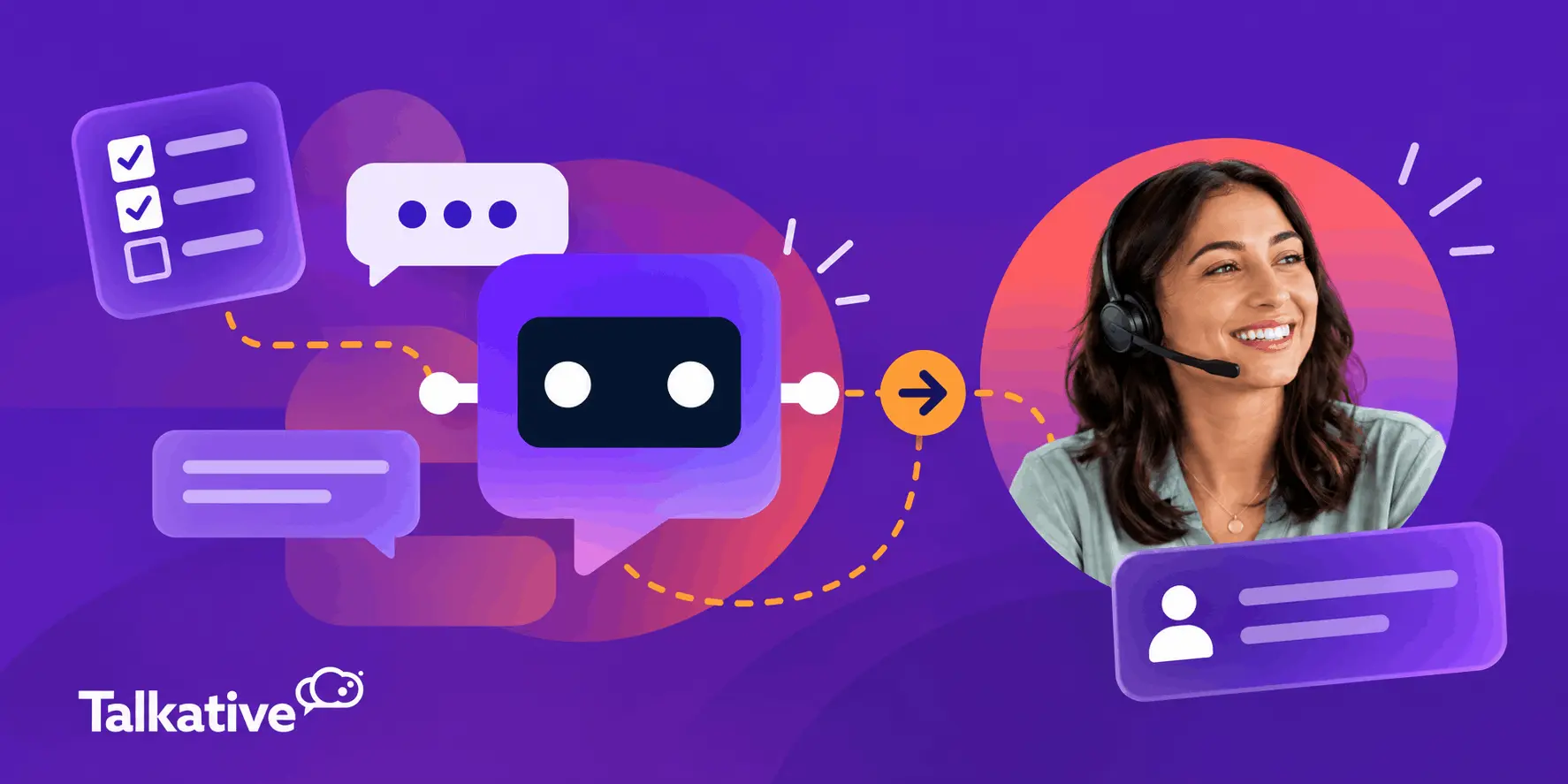
With Talkative Voice AI, calls that need a person are passed on with the captured details, a call summary, and a full transcript.
This means your agents start the day knowing who called, why, and what's already been covered.
That matters to customers as much as agents. It’s important that callers don’t have to repeat the same information to your agents that they’ve already given to the AI.
Work through these questions with your team leads:
A good AI handover means no customer is worse off for calling at night than they would have been during the day.
Voice AI is only as reliable as the information it works from.
To provide accurate, consistent answers, your Voice AI needs two key foundations: a knowledge base and a well-defined prompt.
Your knowledge base provides the information the AI uses to answer questions, such as company policies, FAQs, product/service details, and support articles.
Your prompt provides the instructions that guide how the AI behaves, including its role, tone, and rules.
Before go-live, make sure your knowledge base covers your chosen use cases and that all information is accurate and up to date.
Then, use your prompt to set clear boundaries around what the AI should and shouldn't do, including which topics to avoid and when to hand over to a human.
Be sure to test responses against real scenarios from your audit, including more complex or unexpected queries.
Clear instructions, reliable knowledge, and well-tested AI guardrails are what make a first deployment feel safe to the people signing it off.
Once you've defined your use cases, prepared your knowledge base, and tested your AI's responses, you're ready to launch.
Start with a controlled rollout focused on your chosen after-hours call types. Make sure your Voice AI works with your existing telephony setup and that any necessary integrations, call routing, and handover processes are in place before going live.
Once live, review performance weekly during the initial stages using analytics, reporting, and call transcripts. Look at:
Use these insights to make ongoing improvements. Fill gaps in your knowledge base, refine your prompt, and address any recurring issues before expanding the AI's responsibilities.
As performance improves and you build confidence, gradually introduce additional use cases or extend coverage to other periods, such as daytime overflow.
Start small, measure what works, and expand once you've proven the value of your initial deployment.

Introducing Voice AI for the first time naturally comes with questions and concerns, especially around customer experience, technical requirements, and how it will affect your team.
The good news is that starting with after-hours calls gives you a low-risk way to address these concerns before expanding further.
Here are some of the most common objections you might encounter, and how to approach them.
Some callers will always prefer a person, and that's fine. The question is what they get instead.
After hours, the alternative to AI is usually a mailbox.
A conversation that solves the problem, or at least captures it properly, is always a better experience than a beep.
Make it easy to leave details for an agent to follow up, and ensure the AI clearly states when they'll hear back.
Access to a human still matters, so build it into the design from the start.
The answer here is imple: you don't.
Solutions like Talkative adds Voice AI on top of the contact centre platform, systems, and tools you already use.
Your existing telephony, routing, and daytime operation can stay as they are.
This is what scope, accurate knowledge, and guardrails are for.
Start with call reasons your knowledge base covers well, test them properly, and hand over anything outside those boundaries.
Weekly reviews in the first weeks help you spot and fix gaps quickly.
A narrow, well-tested first scope keeps the risk small while you build confidence.
After-hours Voice AI covers time your agents aren't working. It doesn't take work away from them.
If anything, it’ll actually help your agents and make mornings easier.
Your team starts with organised, summarised requests instead of a pile of voicemails to decode.
And the repetitive, routine queries the AI did resolve are taken off your agents' plates, giving them more time for customers who actually need a human follow-up.

If you're adding Voice AI for the first time, you don't need to start with your busiest queue.
After-hours calls give you a contained, low-risk use case with a clear baseline. You're improving on a mailbox, not competing with your best agents.
Start small. Audit your out-of-hours demand, pick a handful of call reasons, design the handover carefully, and measure against what happens today.
Do that well, and you'll have a real result to take to your director, without touching your daytime operation.
Of course, having a solid plan is only part of the equation. Choosing the right Voice AI technology is just as important to making your after-hours automation a success.
That’s where Talkative comes in.
Talkative's Voice AI helps you automate out-of-hours calls without replacing your existing contact centre platform.
Available 24/7, it uses your approved company knowledge, prompts, and tools to answer customer queries, resolve routine requests, and capture information for anything that needs human follow-up.
For calls that require an agent, Talkative provides your team with the caller's details, a conversation summary, and a full transcript, so they can pick things up efficiently the next morning.
With a standard implementation timeline of around six weeks, you can get started with a focused after-hours deployment and expand as you build confidence.
If you'd like to talk through what an after-hours Voice AI agent could look like for your contact centre, get in touch with our team.
Get an evidence-based review of legacy voice self-service and what’s changing in phone support - with practical next steps for CX and contact centre leaders.


