The Escalation Checklist: How to Design AI Handovers Customers Can Trust
September 28, 2026
Time:
8
mins

When AI customer service works well, customers shouldn’t have to think about escalation.
The AI resolves what it can, recognises when it’s reached its limits, and smoothly hands the conversation over to a human when needed. Simple.
But in practice, that isn’t always what happens.
We’ve all experienced AI support that seems determined to keep us away from a real person: repeating the same irrelevant answer, sending us around in circles, or making us type “speak to an agent” three different ways before finally giving in.
At that point, automation isn’t reducing customer effort. It’s creating more of it.
That’s why a strong escalation strategy is just as important as your AI’s ability to resolve queries independently.
This guide gives you a practical checklist for getting AI-to-human escalation right, from the first trigger to the moment an agent says hello.
We'll cover:
Trustworthy customer service AI needs to know when to keep helping, when to ask for clarification, and when the best outcome is a handover to human support.
Design escalation deliberately, and it becomes part of resolving the customer's issue.

AI is becoming an integral part of contact centres and customer service.
According to research by Gartner, 91% of customer service and support leaders are under pressure from executive leadership to implement AI.
That pressure can push teams to launch quickly and treat escalation as an afterthought.
The result is familiar to anyone who has been stuck in a loop with an AI agent…
The AI doesn't recognise that the customer wants a person.
Or it recognises it, but has no clean route to hand over.
Or it hands over, and the agent starts from scratch.
Each of these failures has the same cause:
The handover was never designed as part of the customer journey.
Failing to design the AI-to-human handover experience can seriously hurt CSAT and customer trust.
That’s why a deliberate human-in-the-loop approach to AI customer service is essential.
With this approach, humans and AI work together, and live agents remain available for customers who need or want them.
Additionally, the role of human support and the escalation process is carefully designed as part of the AI strategy. Not left as an afterthought.
Before getting into how to create good handovers, it helps to understand the goal.
An AI-to-human-handover should almost feel like one continuous conversation to the customer.
This is what we mean when we describe an AI escalation as “seamless”.
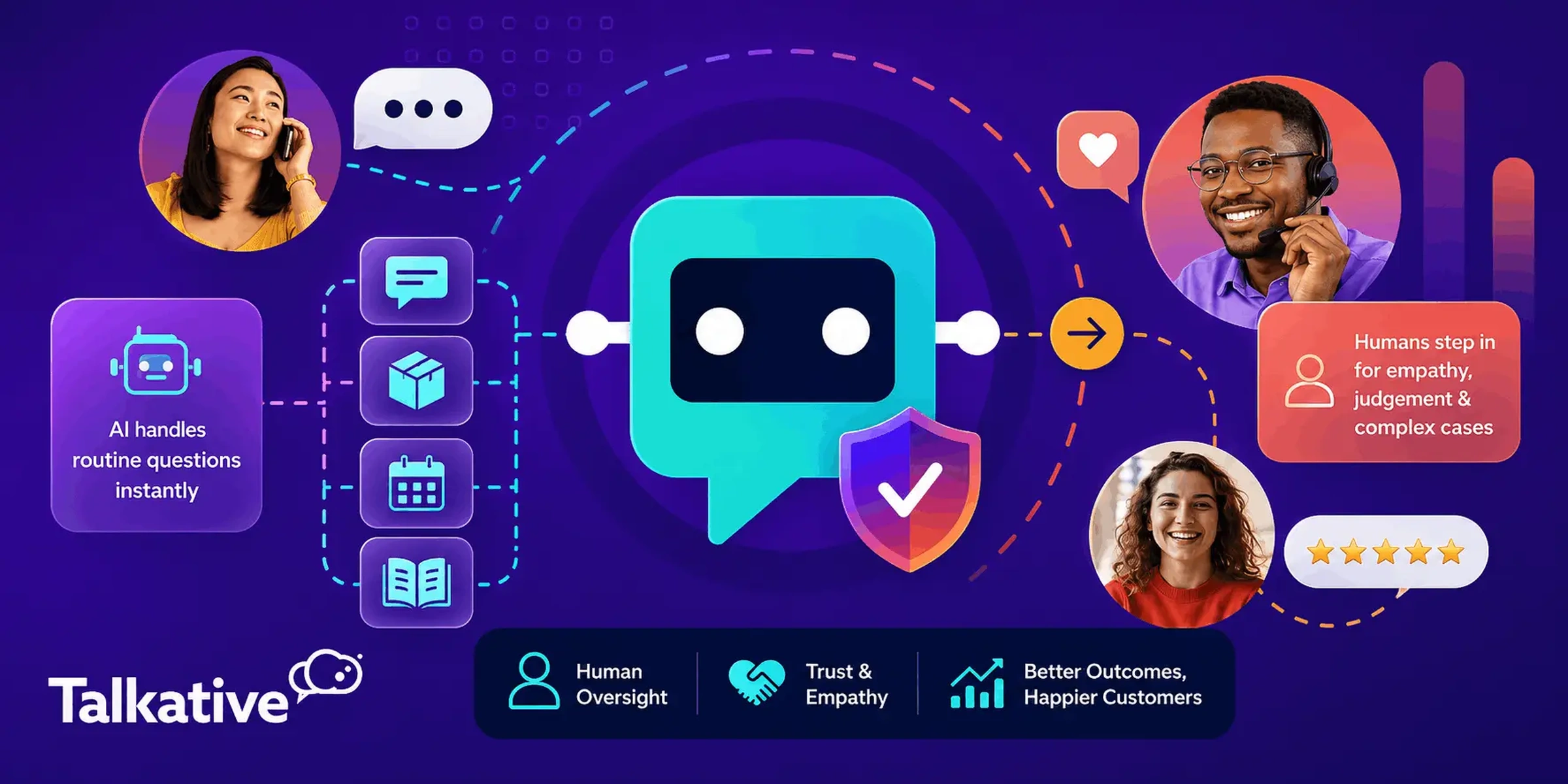
In a seamless handover, the AI quickly identifies that a live agent is needed for the query, or that the customer is asking for one.
The AI explains what's happening and then initiates a transfer or escalation.
The agent picks up the interaction with full context: a summary, the transcript, and any details already captured.
The agent's first message then moves the issue forward, rather than asking the customer to start again.
If the customer never has to repeat themselves, the handover has been successful.
Remember that escalation itself isn't a sign your AI has failed. It's how your AI and your agents work together to resolve the issue.
Use these steps when you're designing a new AI deployment, or reviewing one that's already live.
Your AI needs to know its role and have clear rules for when to step aside.
Leaving this to chance is how customers end up stuck.
Start with these common triggers:
These escalation trigger should be built directly into your AI's prompt configuration.
Your prompt can define the rules for exactly what situations should trigger a handover, when the AI should stop trying to resolve the issue itself, and what it should do next.
That gives the AI clear guardrails and boundaries, helping to ensure escalation happens consistently, rather than relying on the model to decide when to step aside on its own.
.webp)
Customers shouldn't have to guess the magic words when the AI can't fix their issue.
If they find themselves fighting or jumping through hoops to try and reach a human when they need one, the design has failed.
On voice especially, make sure natural requests for an agent are recognised straight away, not after a menu of alternatives.
It can feel counterintuitive to make escalation easy, but customers who know they can reach a person are more willing to give the AI a chance.

This is the step customers notice most.
Nothing damages CX faster than explaining a problem to the AI, then explaining it all again to an agent.
Your handover should give the agent:
Context transfer is what turns a handover into a seamless continuation, not a restart.

The words the AI uses at the handover moment matter.
A vague "Please wait" leaves customers wondering whether anything is happening.
Good communication at the handover point should do three things:
For example: "I'll transfer you to one of the team now. They'll see everything we've discussed, so you won't need to repeat yourself. The current wait is around three minutes."
You can ensure the handover phrasing hits all the right points by including it in your AI’s prompt.
Keep the tone consistent with the rest of the conversation, and never make promises your team can't keep.
Honest expectations beat fast promises every time.

Escalation only helps if the customer reaches the team who can resolve the issue.
A billing dispute may need a different team from a technical fault.
A vulnerable customer may need a senior or specially trained agent.
Use the reason for escalation to route the conversation, so customers aren't passed around a second time.
A transfer to the wrong team is just a second dead end.

Out-of-hours contact and peak demand are where many escalation paths quietly break.
Decide in advance what happens when a customer needs a person, and no agent is available.
This might include:
Whatever you choose, make sure the customer leaves the conversation knowing what happens next.
"No one is available" should never be the end of the conversation.

Most teams test whether the AI answers questions correctly.
Fewer test whether it hands over correctly.
Build test scenarios for every trigger on your list, and run them on every channel you're launching.
Include the awkward ones:
Make sure you check the information and context the agent receives post-handover too.
If you haven't tested the handover, you haven't fully tested the AI.
Escalation design isn't a one-off job.
Once you're live, monitor why conversations are escalated, and look for patterns.
A spike in escalations on one topic may point to a knowledge gap.
A trend of frustrated customers before handover may mean your triggers are too slow.
Use AI performance analytics to track AI resolution, containment, and escalation rates.
Use reporting and interaction transcription to flag knowledge base gaps and other escalation drivers, so you know what to improve.
Every escalation can tell you something about what your AI needs next.

If you're evaluating AI for your contact centre, escalation should be part of the conversation from day one.
These questions will help you compare any provider:
A provider who can't answer these clearly hasn't designed for the handover.
Use this checklist before go-live, and revisit it whenever you change your AI's scope.

Customers aren't angry at AI because it exists.
They're angry when it can’t resolve their issues and then stands between them and the help they need.
The fix isn't less AI.
It's a handover that's designed, built, and tested as carefully as everything else.
Get the triggers, transfer context, and handover experience right, and escalation becomes part of how your AI resolves issues, not a fight customers have to win.
That's how we approach AI customer service at Talkative.
Talkative’s Voice AI and Digital AI agents seamlessly hand over to the right team when needed, along with full context and all the information your agents need.
After the handover, AI Copilot continues to support the receiving agent, and analytics and reporting show you why conversations are escalated so you can keep improving.
Our prompt builder also makes it easier to configure handover logic from the outset, including the triggers that tell your AI when to step aside, when to transfer to a human, and what should happen if an agent isn’t available.
That means you can build escalation into the AI’s behaviour from day one, rather than adding it as an afterthought.
And because Talkative adds AI to the contact centre platform you already use, your agents and routing stay where they are.
If you'd like to talk through how your AI-to-human handovers could work, get in touch with our team today.
Get an evidence-based review of legacy voice self-service and what’s changing in phone support - with practical next steps for CX and contact centre leaders.


