How to Decide Which Customer Queries AI Handles: The Automation Triage Framework
November 20, 2026
Time:
7
mins

Many customers are now familiar with AI technology and have become accustomed to using it as a support channel.
In fact, according to a Gartner survey, half of customers feel that service interactions are easier when companies use AI.
But while comfort with AI is increasing, 87% of respondents said it’s essential that businesses also offer a way to reach a human when needed.
These findings suggest that the real question for contact centre leaders isn’t whether to use AI.
It’s which customer queries AI should handle, and which ones still need a person.
This decision is a triage exercise, and getting it right is key to making AI work for both customers and support teams.
In this article, we'll cover:
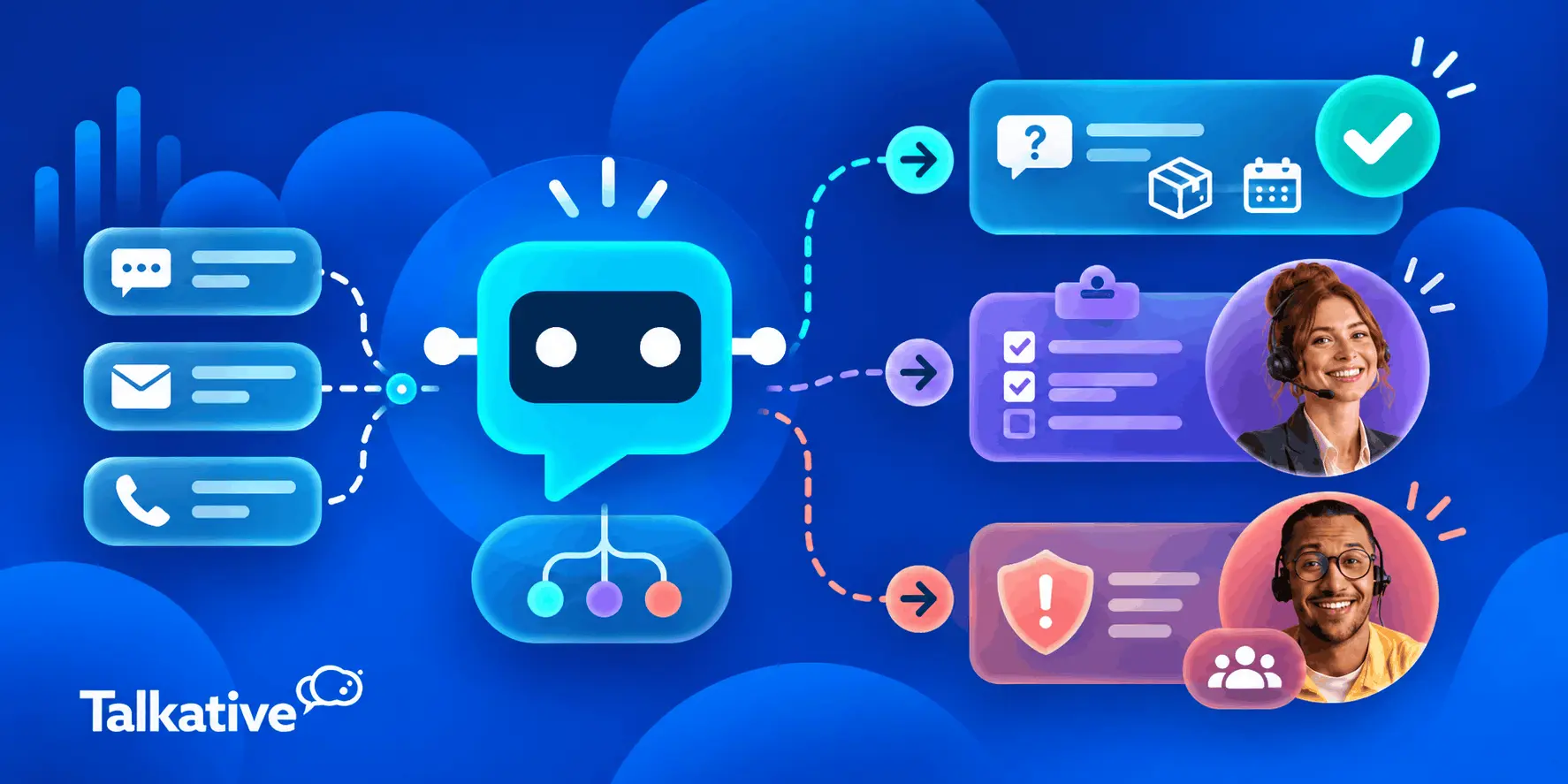
Not every customer query can or should be fully automated. The automation triage framework helps contact centres make these decisions by categorising queries into three tiers:
To decide where each query belongs, assess five key factors: query volume, available knowledge, AI's ability to complete the required action, risk and emotional sensitivity.

Not every customer query is equally suited to AI automation.
Some interactions, such as order status checks, appointment bookings and general questions about your products or services, are straightforward and easy for AI to resolve.
Others, like complex issues, complaints, billing disputes and policy exemptions, will require a human-in-the-loop approach.
The challenge for contact centres is knowing where to draw the line.
Automating the right queries can deliver faster resolutions, shorter wait times and reduced pressure on support teams.
It also frees human agents to focus on the interactions where their expertise or empathy adds the most value.
But automating the wrong queries can have the opposite effect.
When AI struggles to resolve an issue and fails to recognise a handover is needed, customers can end up frustrated, repeating themselves, or waiting longer for a resolution.
That's why effective customer service automation isn't simply about automating as many interactions as possible.
It's about identifying where AI can genuinely improve the experience, where it can support human agents, and where people should remain in control.
An automation triage framework provides a practical way to make those decisions by dividing customer queries into three distinct tiers.

This framework categorises customer queries into three tiers, based on the level of AI automation and human involvement required.
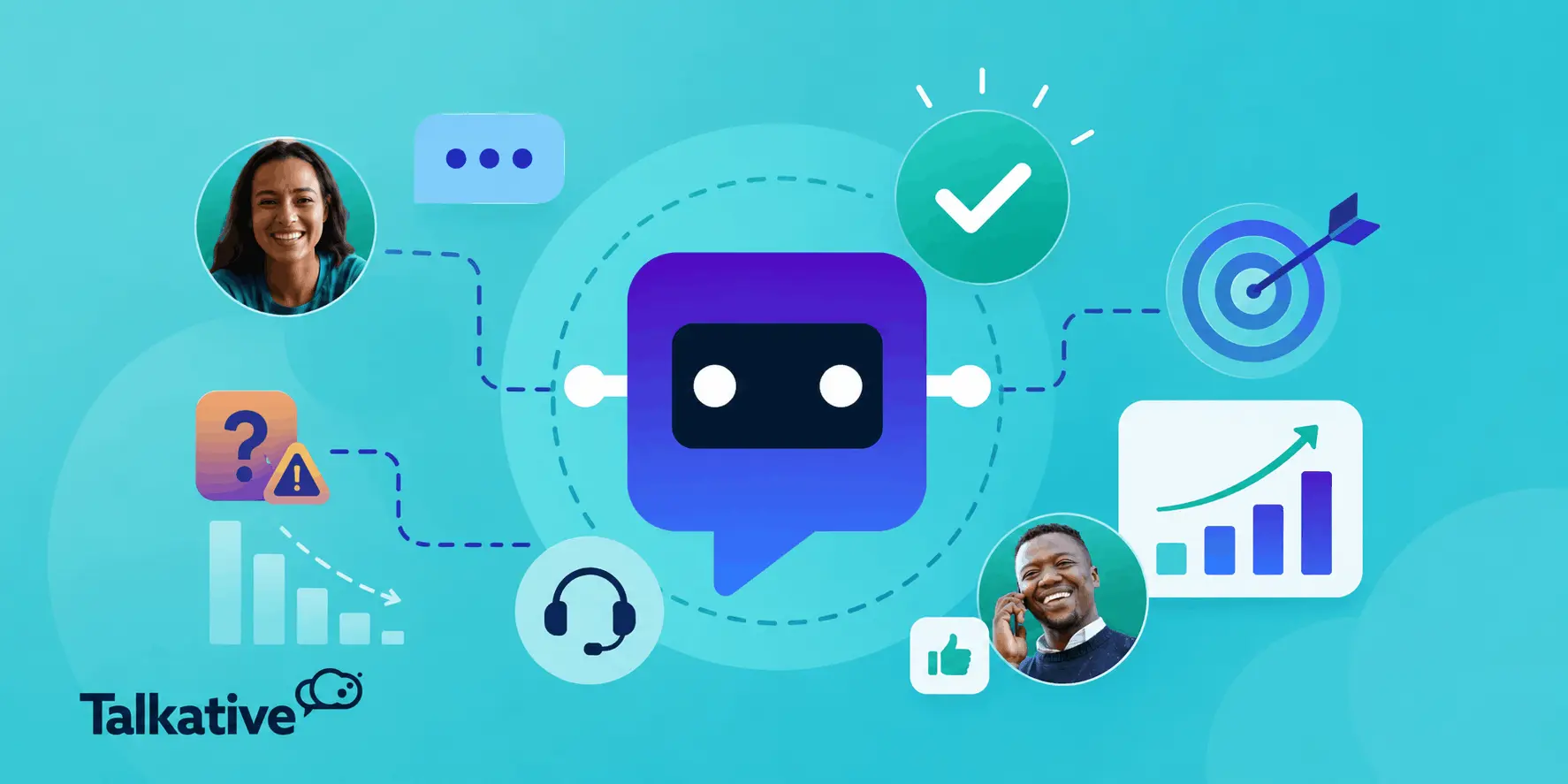
These are the queries AI can resolve from start to finish, without any agent involvement.
They tend to be frequent, repetitive and well documented. Think order tracking, opening hours, appointment changes, general product/service information, and policy questions.
The goal for these queries is AI resolution, not deflection. The customer should leave with their question answered or problem solved.
When the knowledge documentation behind the AI is solid, results can be strong. Healthspan, for example, reached a 90% AI resolution rate for product queries with Talkative AI.
Tier 1 is where AI can deliver the greatest efficiency gains and improve customer experience through faster, more convenient resolutions.
Some queries need a person's judgement but still follow patterns that AI can help with.
Billing disputes, multi-step troubleshooting, account changes with exceptions, and complaints that need investigating all sit here.
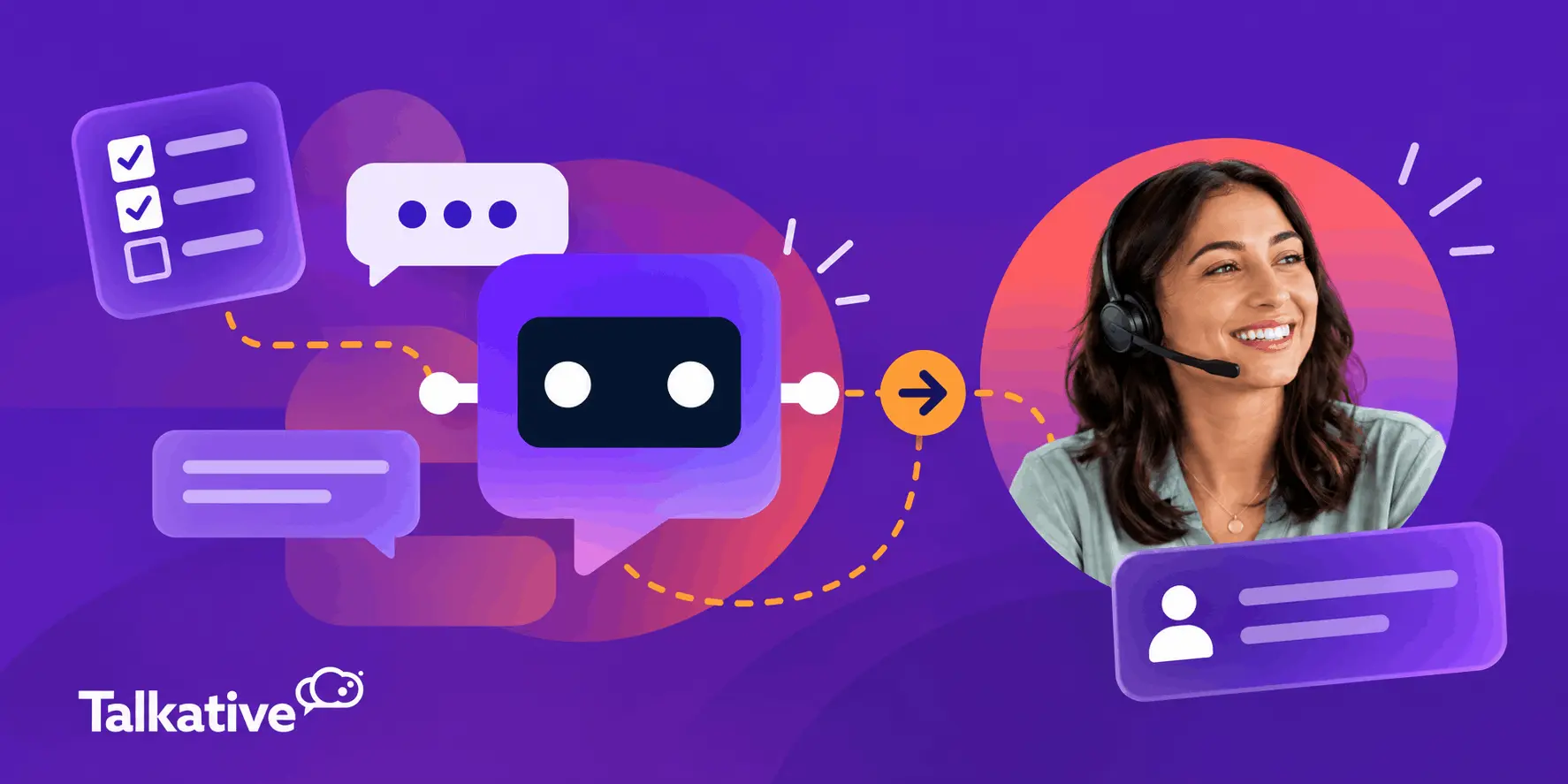
AI can handle the initial interaction, gathering key details, answering straightforward questions and completing any steps within its capabilities before escalating to the appropriate human agent.
The AI then hands over to the right team, providing the receiving agent with full context (captured details, interaction summary, and transcript).
After the handover, AI continues to assist the agent behind the scenes by suggesting responses and surfacing relevant knowledge.
This is the role of AI copilots in customer service: making customer service faster and more accurate, without taking the human out of the process.
Tier 2 combines the efficiency of AI with human expertise, helping agents resolve more complex queries faster while reducing the need for customers to repeat themselves.
Some conversations require immediate human involvement due to their sensitive, emotional or high-stakes nature.
Bereavement, financial difficulty, safeguarding concerns, serious complaints and high-value sales conversations are all examples of situations where customers usually need human empathy, judgement or discretion.
In these cases, AI's role is to recognise that the query falls outside its scope and immediately escalate it to the appropriate human team.
It must also pass on a summary of the issue so the customer doesn't have to repeat themselves.
AI can still support agents behind the scenes through transcripts and post-interaction administration, but the human leads the interaction.
Keeping a query human-led isn't a failure of automation. It's a deliberate choice about where people add the most value.

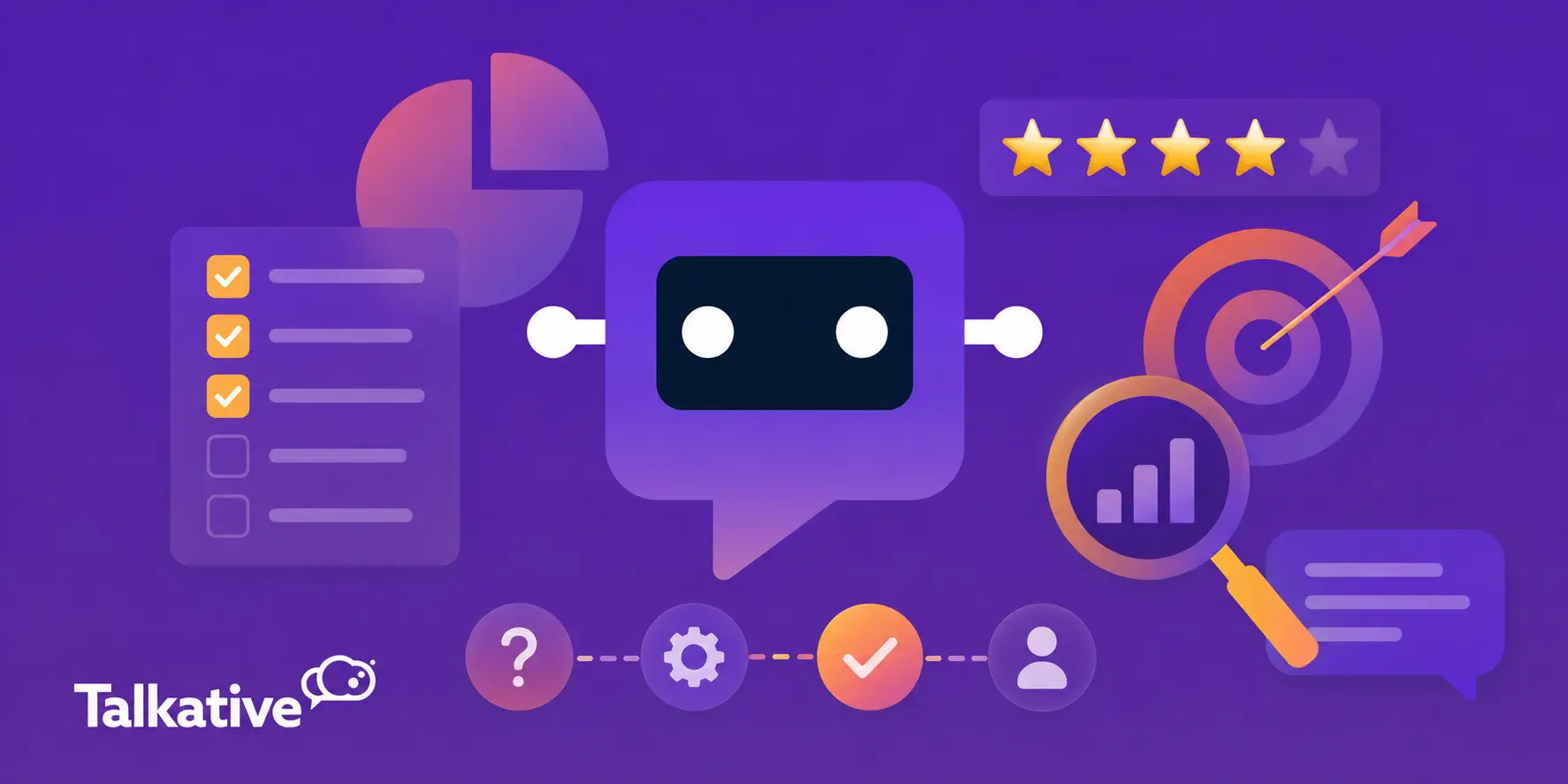
To place a query in a tier, score it against the five questions below.
Overall, queries that are high volume, well documented, actionable, low risk and low emotion will sit in Tier 1.
Volume tells you where automation pays back fastest.
A query that makes up a large share of your contacts is a much better first candidate than a rare one, even if both look easy to automate.
AI is only as good as the knowledge it's grounded in.
If the answer to a query is in your written policies, FAQs, help articles, website pages, or other documented content, it can be added to your knowledge base and handled by AI.
Answering a question and resolving it aren't the same thing.
Rescheduling an appointment needs access to the booking system. Checking an order requires access to order data.
If AI can't reach the systems it needs to finish the job, the customer will still end up waiting for an agent.
Some mistakes cost a customer thirty seconds. Others cost them money, or cost you their trust.
The higher the risk of a wrong or incomplete answer, the further the query moves towards Tier 2 or Tier 3.
A customer chasing a parcel wants speed.
A customer making a serious complaint wants empathy.
Queries involving distress, vulnerability or conflict belong with people, even if the underlying task is simple.
You don't need a transformation project to do this.
You need your contact data, a spreadsheet, and a few people who know your customers well.
Start with your 20 to 30 most common contact reasons across every channel.
Group them by what the customer wants or needs, not which channel they used.
Run each contact reason through the five questions.
Involve team leaders and experienced agents in this process. They know which "simple" queries regularly turn complicated.
Most queries will fall into a tier naturally.
For the borderline ones, start with a higher level of human involvement and only increase automation once AI has demonstrated it can handle the query effectively.
It's much easier to automate more once AI has proven itself than to rebuild trust after a poor experience.
For Tier 2 and 3 queries, it’s essential that the AI knows when to hand over and that the transition to human support is seamless.
Ensure your AI’s prompt (i.e., instructions) sets clear boundaries for the queries it should and should not try to handle on its own.
It should also define clear escalation triggers such as low AI confidence or a direct request for human support.
As part of a handover, it’s crucial that the AI passes full context of the conversation so far on to the agent so the customer doesn’t have to repeat themselves.
If you’d like to learn more about designing seamless AI-to-human handovers, check out our guide: The Escalation Checklist.
Don't try to automate every Tier 1 query at once.
Pick one or two to start with that are high-volume and low-risk.
Then, test performance and track AI resolution rate, handover reasons, repeat contacts and CSAT.
Use these insights to assess whether each query is in the right tier, adjusting the level of automation as needed to improve performance and customer experience.

Every organisation's scores will differ, but here's where common queries often land as a starting point.
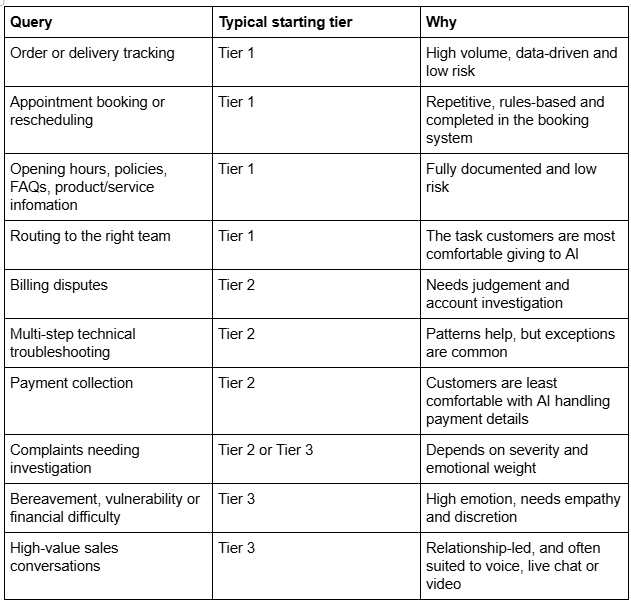
Use the table as a starting point. Your own data should have the final say.

Even a well-scored triage can go wrong in practice. These are some common mistakes to watch for.
A good triage doesn't shrink your team's value. It frees agents for the conversations customers want a person for.

Effective customer service automation isn't about automating as many interactions as possible.
It's about knowing where AI can add the most value, and where human support is still essential.
The automation triage framework provides a practical way to make these decisions, helping you identify which queries AI can resolve independently, which benefit from AI-assisted agents, and which require a human-led approach.
Start with straightforward, high-value use cases, build seamless human handovers, and use real performance data to refine your automation strategy over time.
With Talkative, you can support all three tiers on one platform.
Our Voice AI and Digital AI can independently resolve Tier 1 queries and seamlessly escalate everything else to the right team. From there, AI Copilot helps agents handle more complex interactions.
And because Talkative integrates with your existing contact centre platform, you can start small and expand your AI capabilities without disrupting what's already working.
Ready to find the right balance between AI automation and human support?
Get in touch to discover how Talkative can help you put the automation triage framework into practice.
Get an evidence-based review of legacy voice self-service and what’s changing in phone support - with practical next steps for CX and contact centre leaders.


